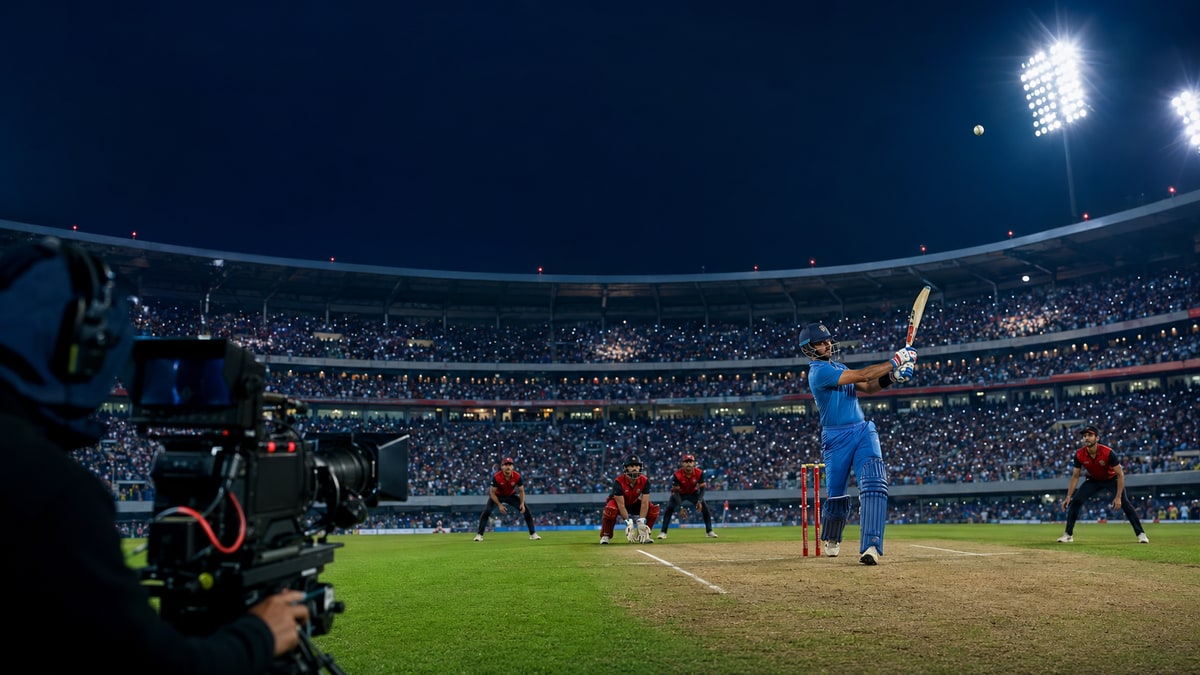
Sports1
A six-HDMI production appliance for professional sports and events, with live switching, recording and network bonding.
- Lite and Sports1: 1080p60 · Pro: 4K60
- Sports1 / Pro: replay and HTML graphics
- Audio mixing and RTMP / SRT delivery

STARVIDEO · ENGINEERED IN INDIA
Go live with our encoders and network bonding solutions. Or work with us to turn your own hardware and software ideas into a working product.
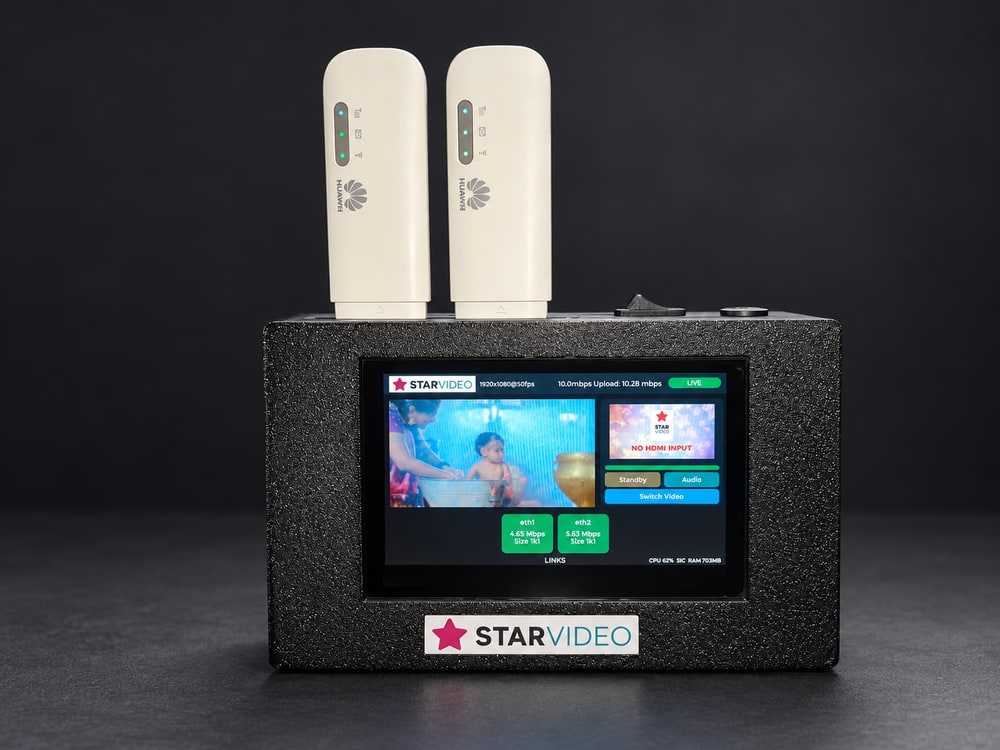 HQ104Dual HDMI · Network bonding
Devices shown with attached accessories.
LIVE STREAMING & NETWORK BONDING
Use a standalone encoder, add bonding to your existing setup, or run StarBonding on Windows or Android. Each product has its own website with the details.
A six-HDMI production appliance for professional sports and events, with live switching, recording and network bonding.
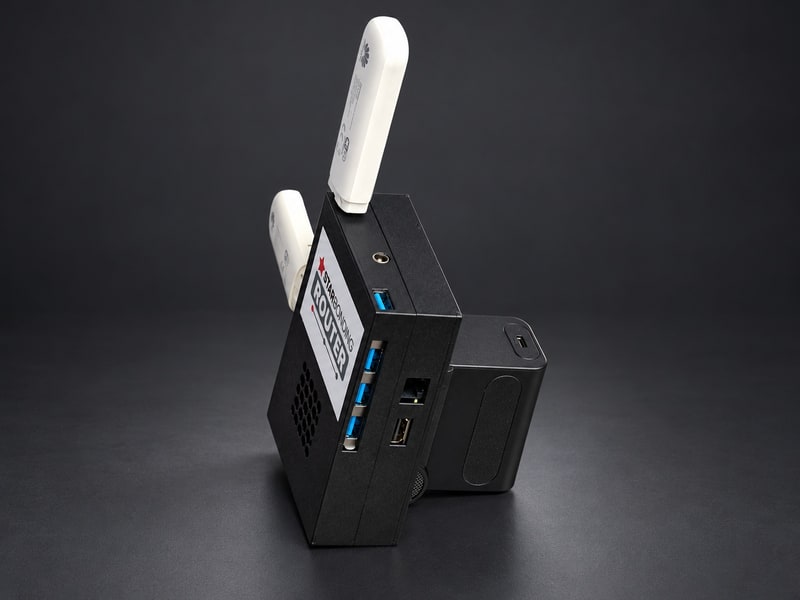
Add network bonding to a laptop or an existing encoder. Connect your streaming setup through Wi-Fi or LAN.
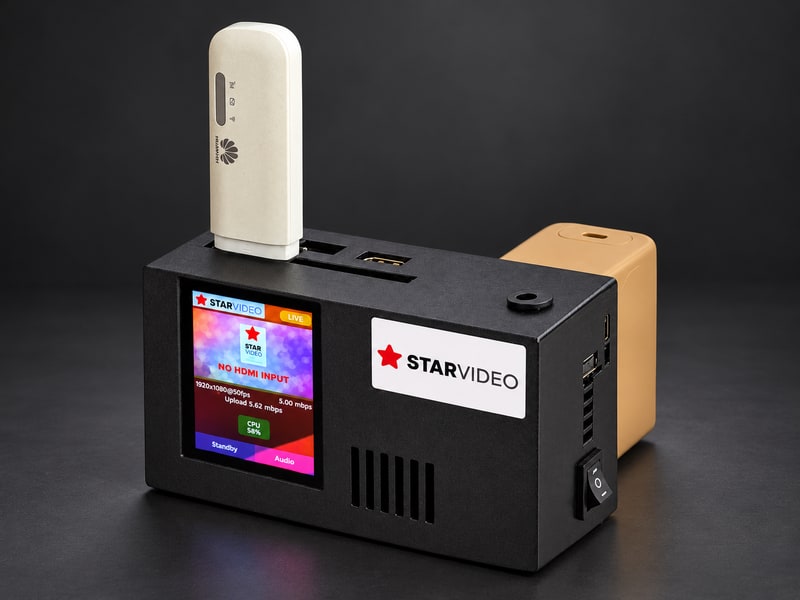
A standalone live streaming encoder with StarBonding, broadcast branding and a 2.8-inch touch display.
Connect two HDMI video sources and preview both on the 4.3-inch touch display. Stream with StarBonding built in.
Bring network bonding to your Windows streaming workflow, including setups using OBS and vMix.
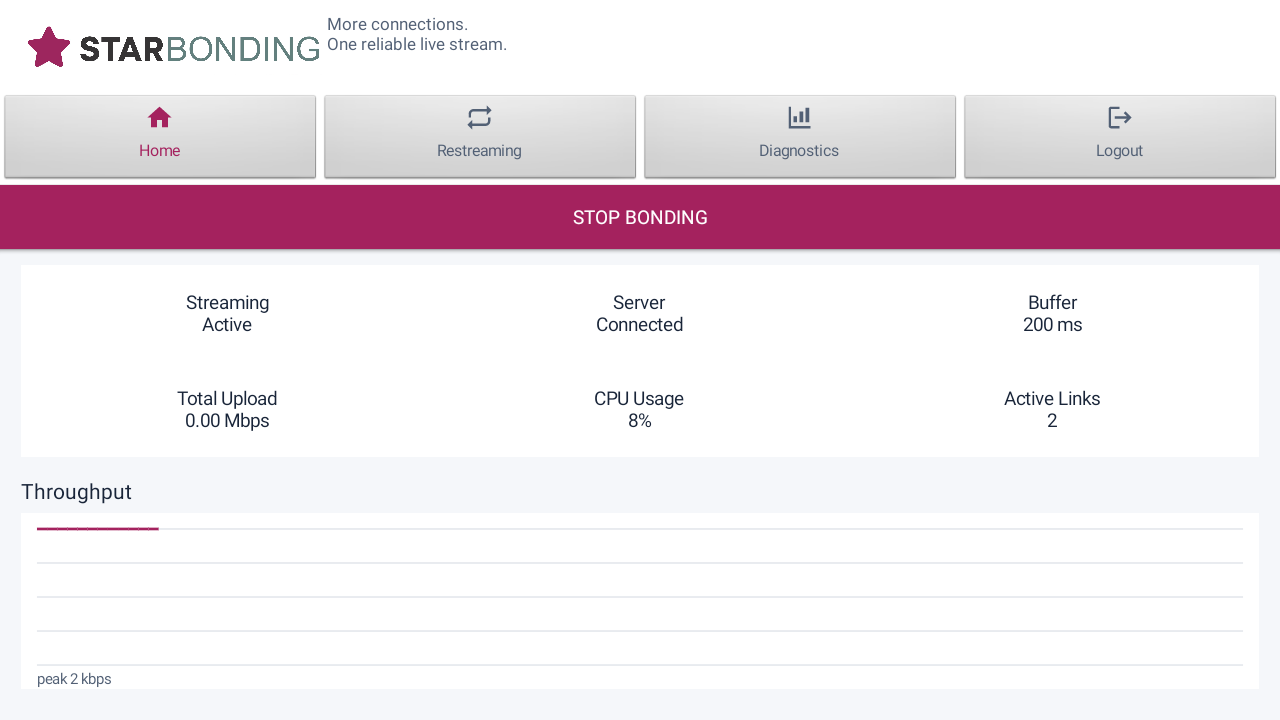
Bond usable network links on Android devices. Particularly useful for Android streaming appliances such as ST90.
Understand what is really inside an Android phone, tablet, TV box or appliance, beyond the specifications on the box.
PRODUCT SELECTION
Choose by the job you need to do: produce a programme, stream one or two video sources, add bonding, or evaluate Android hardware.
Compare all products below. On smaller screens, scroll the table sideways.
| Product | Choose it for | Video or device workflow | Production and controls | Network bonding | Details |
|---|---|---|---|---|---|
| Sports1 | Professional multi-camera sports and event production | 6 HDMI inputs | Switching and recording; replay and HTML graphics on Sports1 / Pro | Yes | Explore Sports1 |
| HQ103 | A compact encoder for camera or DJI RC video | 1 HDMI input + DJI RC Video Input | 2.8-inch touch display; Sports HTML, logos, text and mixer | Yes | Explore HQ103 |
| HQ104 | Two-source live production in a compact encoder | 2 HDMI inputs | 4.3-inch touch display; both video previews, switching, logos, text and mixer | Yes | Explore HQ104 |
| StarBonding Router | Add bonding to a laptop or an existing encoder | Connect your setup over Wi-Fi or LAN | Keep using your encoder or production software | Yes | Explore Router |
| StarBonding for Windows | Bonding in your Windows streaming setup | Your Windows production workflow | Keep using your existing production software, including OBS / vMix | Yes | Explore Windows |
| StarBonding for Android | Bonding on an Android device or appliance such as ST90 | RTMP video input to the Android app | Restreaming settings, network monitoring and link statistics | Yes | Explore Android |
| Real Android Data | Check Android hardware before choosing a device | Hardware capability tests | RAM, storage, processor / SoC and active 1080p encoding tests | No | Open free tool |
Sports1 is available in Lite, Sports1 and Pro editions. Replay and HTML overlays are on Sports1 / Pro; Pro supports 4K60. HQ104 Sports HTML overlay: No. HQ104 DJI RC Video Input: No. Android bonding depends on the usable links exposed by the device. See each product site for full specifications and current pricing.
PRODUCT & TECHNOLOGY DEVELOPMENT
Work with Anil Chandra K on the technology your idea needs. Choose a startup partnership or a custom development assignment.
For founders with domain knowledge and a venture to build. TechAccel contributes product thinking, development and technical leadership in return for equity.
For a specific requirement, connected device, software platform or system integration. Anil leads the engineering around how your complete solution needs to work.
Electronics. Embedded systems. Native applications. Web services. Networks. The work begins with your requirement and how the parts need to work together.
AppAsYouWish
A platform in development for turning your requirements into configurable applications—with the data, views, integrations and workflows your work needs.
Describe what you want to achieve, bring your references and refine a preview before publishing. Reusable modules will help add capabilities as the application evolves.
Ask about AppAsYouWishWHAT WE’RE BUILDING
Describe the intended behaviour using your instructions, references and files.
Shape the information your app works with and the experience for different users.
Connect services and define actions triggered by events, schedules or human approvals.
Review a generated build, request changes and publish the version you accept.
In development. Availability will be announced here.
LET’S START WITH YOUR REQUIREMENT
Tell us about your streaming setup, the device you’re evaluating or the product you want to build.